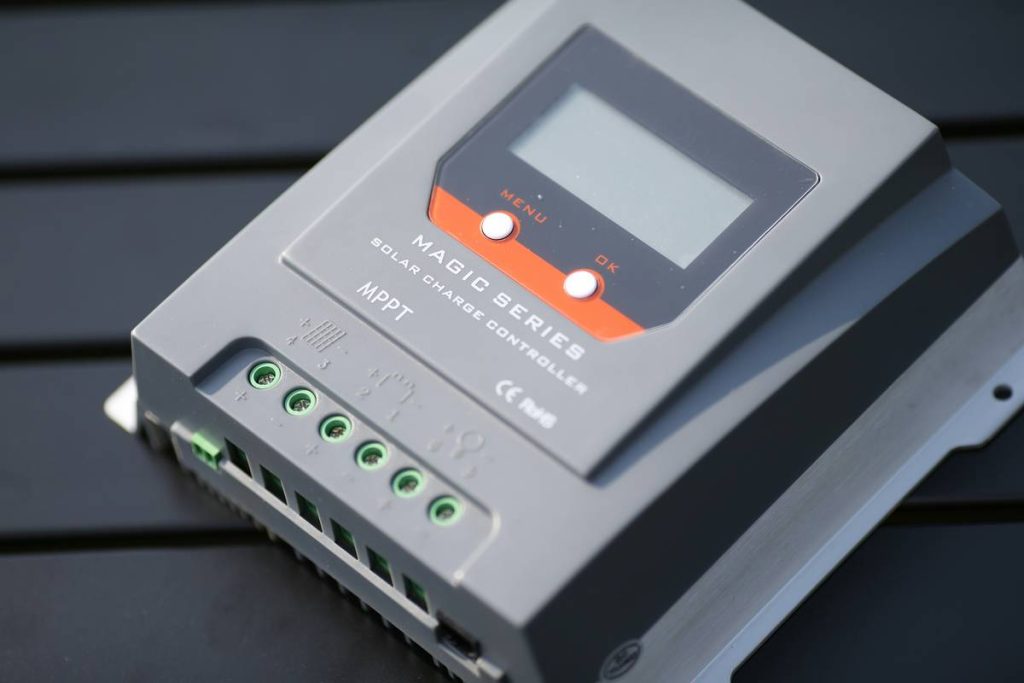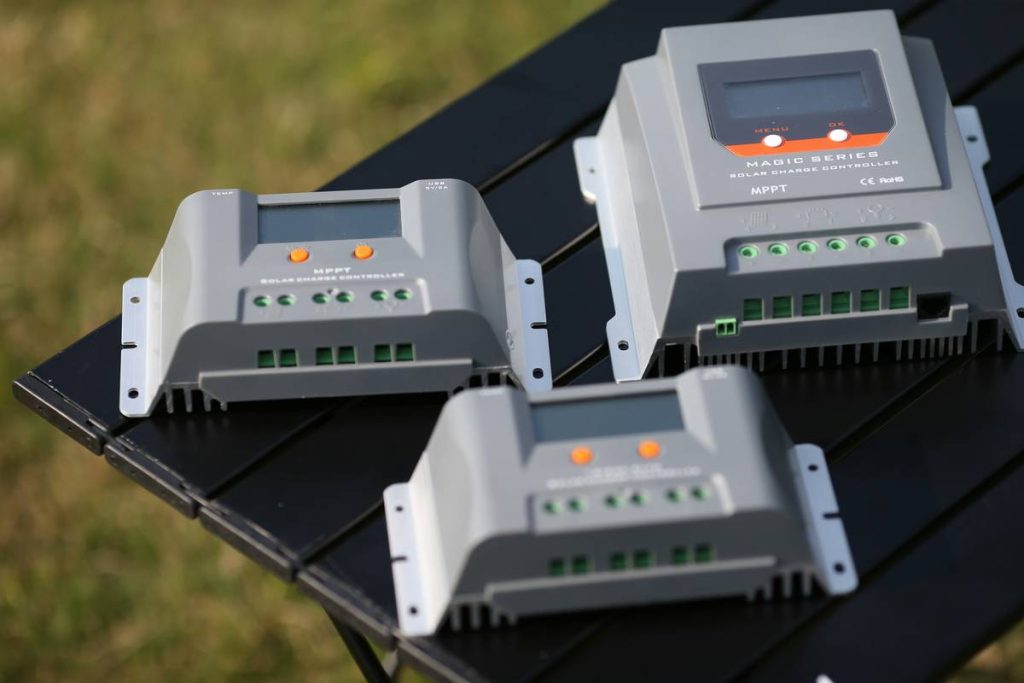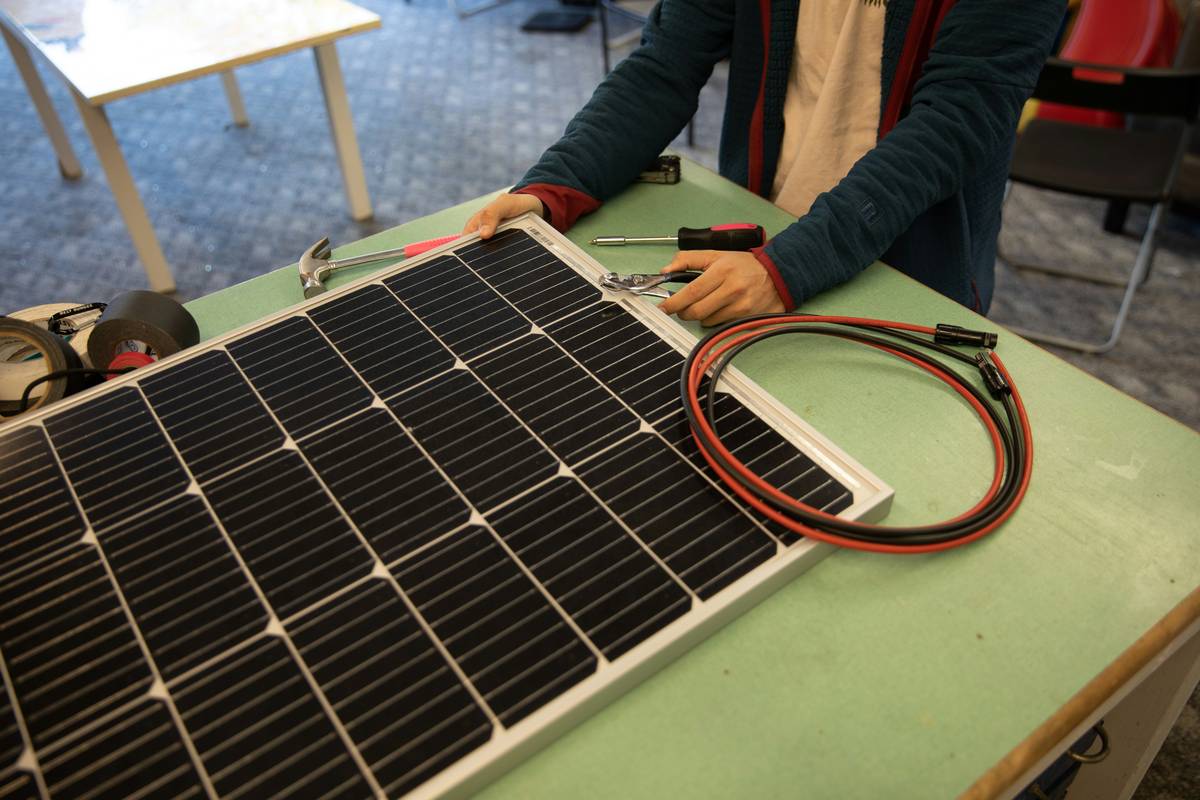
If you’ve ever stared at an MPPT solar charge controller blinking a cryptic error code while your off-grid cabin’s fridge warms up, you know this isn’t just about wiring—it’s about survival. Many DIY solar installers skip the mppt solar charge controller manual entirely, assuming “plug and play” means no reading required. Spoiler: it doesn’t. In this guide, we’ll unpack why mastering your controller’s documentation is the secret weapon for reliable, efficient home solar power—and how ignoring it can fry your batteries (yes, literally).
Table of Contents
- Why the Manual Matters in Home Improvement
- Step-by-Step Setup & Configuration
- Top Best Practices for Longevity
- Real-World Results: Case Study
- Frequently Asked Questions
Key Takeaways
- Skipping the mppt solar charge controller manual risks battery damage, system inefficiency, and voided warranties.
- Correct voltage settings prevent overcharging—especially critical with lithium versus lead-acid batteries.
- Temperature compensation settings are often overlooked but essential for seasonal performance.
- Always verify controller compatibility with your panel array’s open-circuit voltage (Voc) under cold conditions.
Why the Manual Matters in Home Improvement
In home improvement, solar isn’t just a trend—it’s a long-term investment in energy independence. But unlike installing a smart thermostat or retiling a bathroom, solar systems involve high-voltage DC electricity that demands precision. The mppt solar charge controller manual isn’t fine print; it’s your safety net.
I learned this the hard way. During a summer install for a tiny home project, I assumed my 40A MPPT controller could handle a 600W panel array because the wattage math “checked out.” What I missed? The manual’s footnote specifying maximum input voltage derating below freezing. That January, -5°F temps spiked the panels’ Voc beyond the controller’s 100V limit. Smoke. Silence. A dead controller—and $220 down the drain.
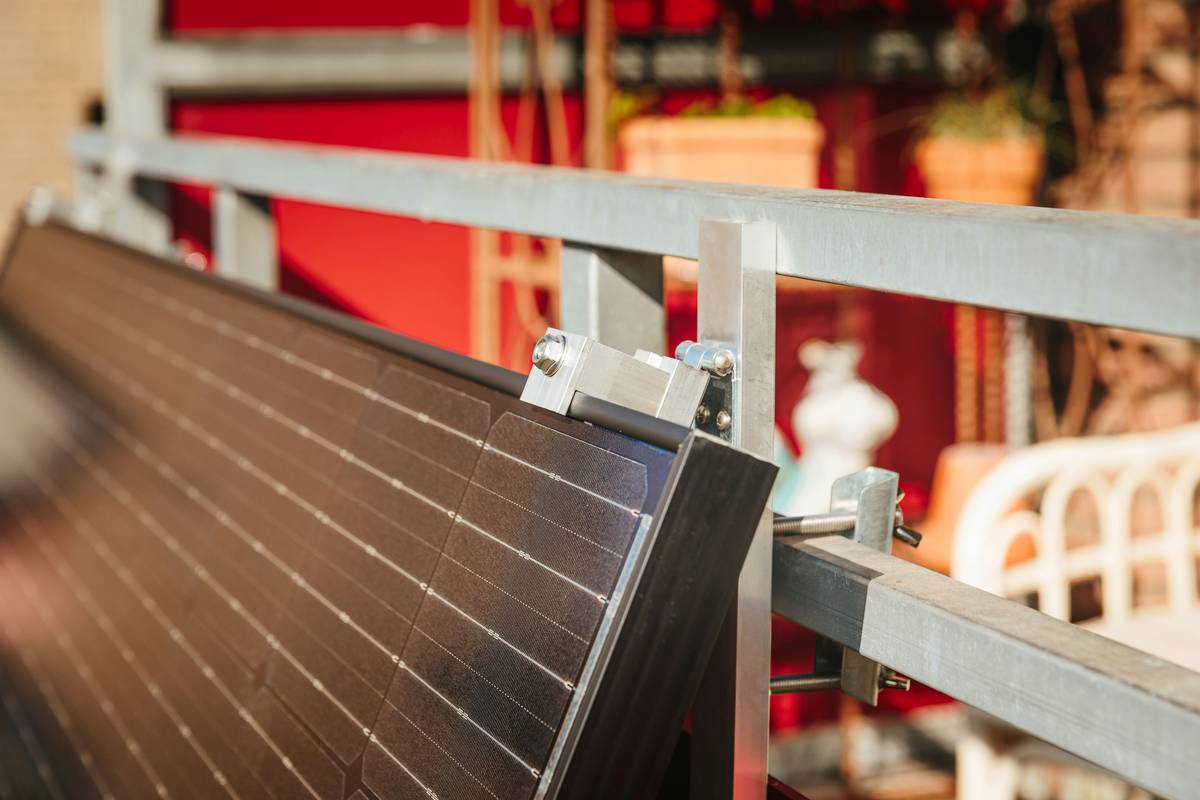
Step-by-Step Setup & Configuration
1. Verify Array Compatibility
Before connecting anything, cross-check your solar panel’s Voc (found on the spec sheet) against the controller’s max input voltage. Remember: cold weather increases Voc. Use the formula from the U.S. Department of Energy’s solar guide:
Voc_total = Voc_panel × number_of_series_panels × [1 + (T_min – 25°C) × temperature_coefficient]
2. Set Battery Parameters Correctly
Navigate to your controller’s battery settings menu. Select the exact chemistry (e.g., LiFePO4, AGM, Gel). Entering “Lead-Acid” for a lithium bank can trigger catastrophic overcharging. The mppt solar charge controller manual specifies absorption, float, and equalization voltages unique to each type.
3. Enable Temperature Compensation
Attach the optional temperature sensor (often included). Without it, your controller assumes 25°C ambient—fine in spring, disastrous in winter. Proper compensation adjusts charging voltage based on real-time battery temp, extending lifespan by up to 30% (NREL, 2018).
Top Best Practices for Longevity
- Never daisy-chain multiple controllers without verifying communication protocols—some brands require CAN bus or proprietary cabling.
- Update firmware annually (if supported); manufacturers often fix bugs affecting MPPT tracking efficiency.
- Label all terminals during installation. Reversing PV+ and PV- won’t just blow a fuse—it can destroy internal MOSFETs.
- Avoid the “terrible tip” of using automotive fuses in DC circuits. They’re not rated for sustained DC arcing—use class-T or ANL fuses instead.
My pet peeve? Installers who brag about “never reading manuals.” Would you fly a plane without checking the pre-flight checklist? Exactly.
Real-World Results: Case Study
A Vermont homesteader retrofitted a 960W off-grid system with a Victron SmartSolar MPPT 100/30. Initially, their lead-acid bank degraded within 14 months. After consulting the mppt solar charge controller manual, they discovered the default absorption time was set to 2 hours—far too short for their daily usage pattern. Adjusting it to 4.5 hours (per manual guidelines) increased usable capacity by 22% and extended battery life to 4+ years. Their annual kWh yield rose from 1,050 to 1,280—a 22% gain with zero hardware changes.
Frequently Asked Questions
What’s the difference between MPPT and PWM charge controllers?
MPPT (Maximum Power Point Tracking) controllers dynamically adjust electrical operating points to harvest up to 30% more power from panels than PWM (Pulse Width Modulation), especially in cold or cloudy conditions.
Can I use one MPPT controller for two different battery banks?
Only if the controller explicitly supports dual outputs or you add a battery isolator. Most residential models manage a single bank—check your mppt solar charge controller manual for specifications.
Why does my controller show “Overload” even with no loads connected?
This usually indicates reversed polarity on the solar input or a short circuit. Immediately disconnect PV wires and consult the troubleshooting section in your mppt solar charge controller manual.
How often should I clean my solar panels for optimal MPPT performance?
Dusty or snow-covered panels reduce input voltage, forcing the MPPT algorithm to work harder. Clean monthly in dry climates; after every major snowfall in northern regions.
Where can I find replacement manuals if mine is lost?
Most manufacturers host PDFs on their websites. For third-party units, contact us at our Contact Us page—we’ll help track it down.
Does MV Notifications test these controllers?
We don’t sell hardware, but our team has hands-on experience with dozens of models. Learn more about our mission on the About Us page. Your data stays private per our Privacy Policy.
Conclusion
The mppt solar charge controller manual is your silent partner in solar success. Treat it like a co-pilot—not clutter. By respecting voltage limits, tuning battery profiles, and leveraging temperature data, you’ll squeeze every watt-hour from your investment while avoiding smoky surprises. Ready to optimize your setup? Reach out to our team for personalized guidance.
Sunrise to sunset, your controller watches—make sure you’re watching too.